|
Read XLS, XLSX, CSV from Visual Basic
in your ASP.NET applications.
|
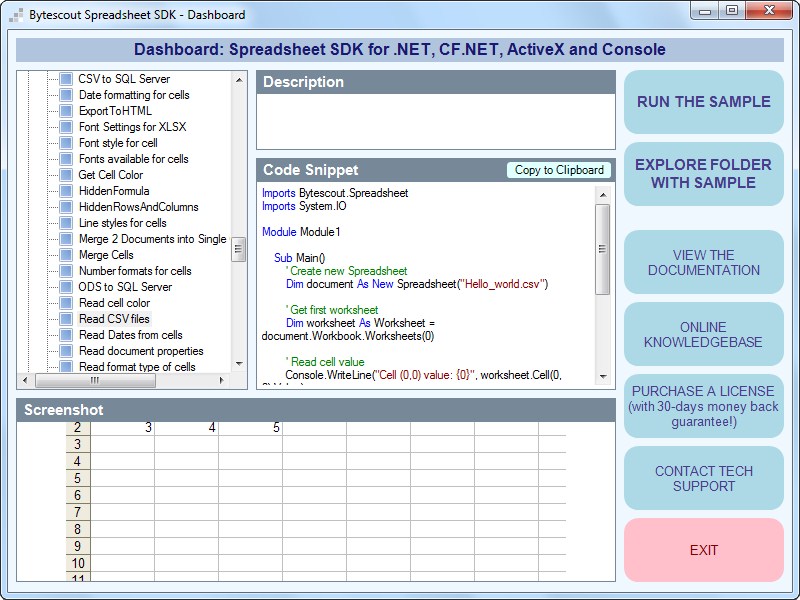
Bytescout Spreadsheet SDK is a clean and simple API to read XLS, XLSX, CSV files from Visual Basic (VB.NET, VB 6).
Reading data from XLS and other Excel files is the ability needed in almost every business application. Using Bytescout Spreadsheet SDK is a simple way of reading Excel files using Visual Basic even without MS Excel installed.
With the Spreadsheet SDK, you can read XLS in VB.NET or Visual Basic 6.
Sample source code – read XLSX in VB.NET:
Imports Bytescout.Spreadsheet
Imports System.IO

Module <span data-scayt_word="Module1" data-scaytid="163">Module1</span>

    Sub Main()
        ' Create new Spreadsheet
        Dim document As New Spreadsheet()
        document.LoadFromFile("Hello_world.xlsx")

        ' Get worksheet
        Dim worksheet As Worksheet = document.Workbook.Worksheets.ByName("<span data-scayt_word="Sheet1" data-scaytid="164">Sheet1</span>")

        ' Read cell value
        Console.WriteLine("Cell (0,0) value: {0}", worksheet.Cell(0, 0).Value)

        ' Write message
        Console.Write("Press any key to continue...")

        ' Wait user input
        Console.ReadKey()
    End Sub

End Module
Find all sample source codes for Visual Basic and ASP.NET in a free trial of Spreadsheet SDK. Download now!
More about Bytescout Spreadsheet SDK benefits
[socialpug_share]



 Important Update