- Home
- Testimonials
- Purchase
- Developer Tools
- Desktop Utilities
- Download
- Support
- Blog
- Company
How to add text with filename to photo files using Bytescout Watermarking Pro
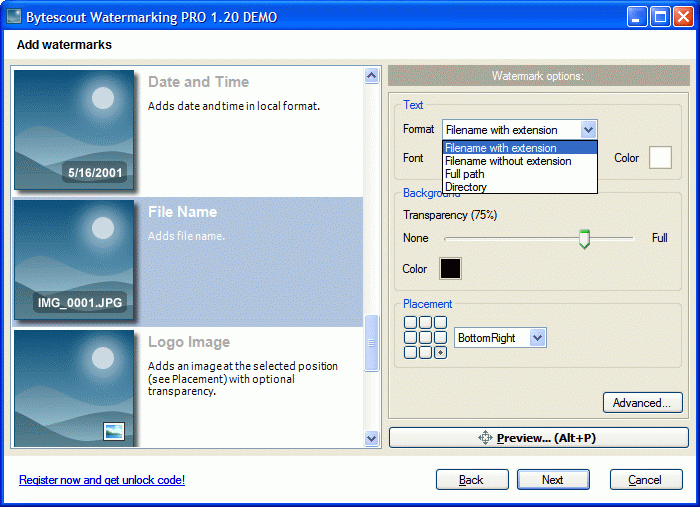
Bytescout Watermarking is capable of stamping existing pictures with their filenames using FileName watermark type. Available modes are: Filename with extension, Filename without extension, Full Path, Directory
NOTE: You can customize filename representation using EXIF macros in Watermarking PRO
To add stamps with filename select filename format:

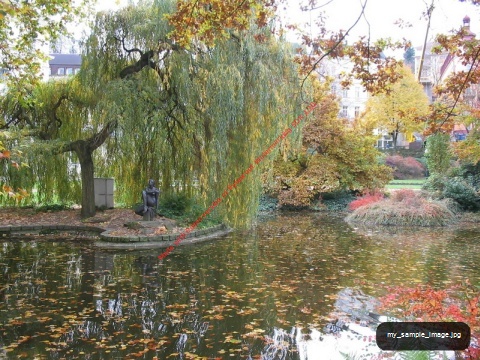
Below is the sample output image (Filename with extension filename format):

INFORMATION: You can add EXIF and other photo information using macros in Watermarking PRO/products/enduser/watermarking/watermarkingpro.html
Filed in:
Watermarking Pro
Tutorials: