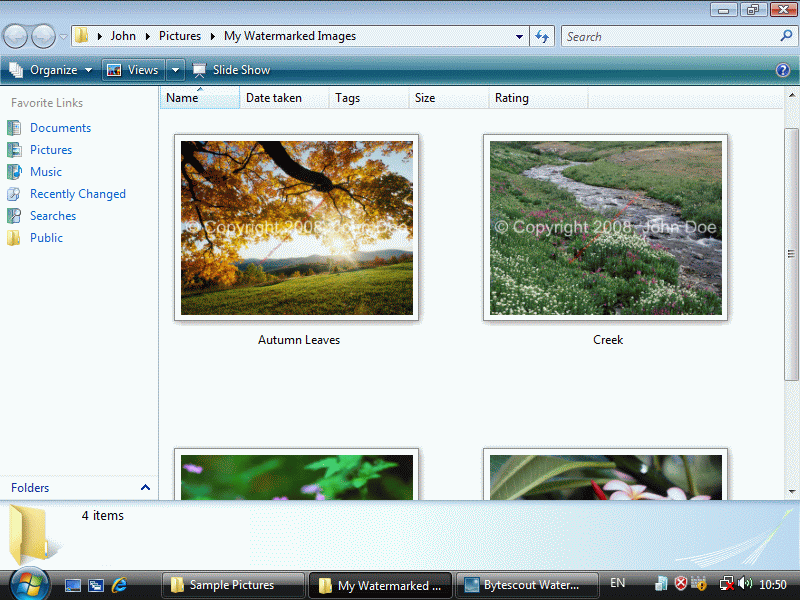
Bytescout Watermarking Pro integrates with Windows Explorer so you can select and add watermarks directly from Explorer
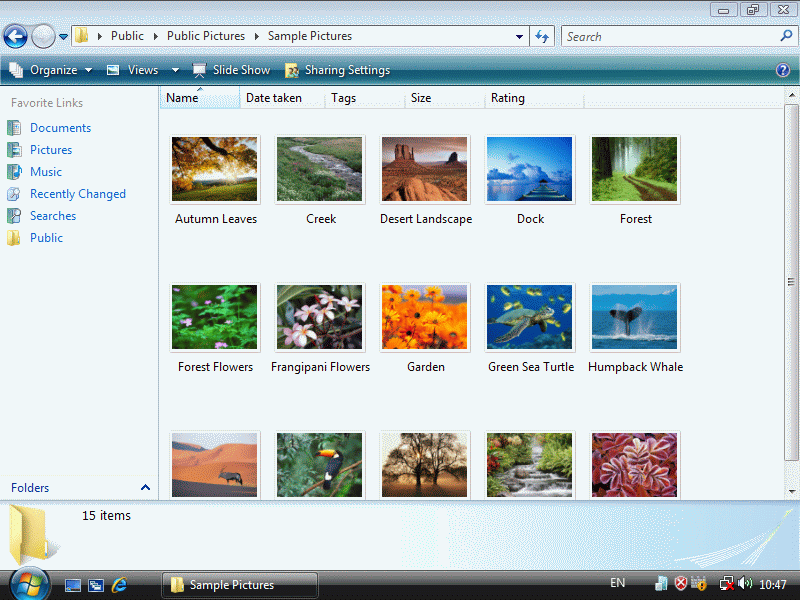
Open Pictures folder
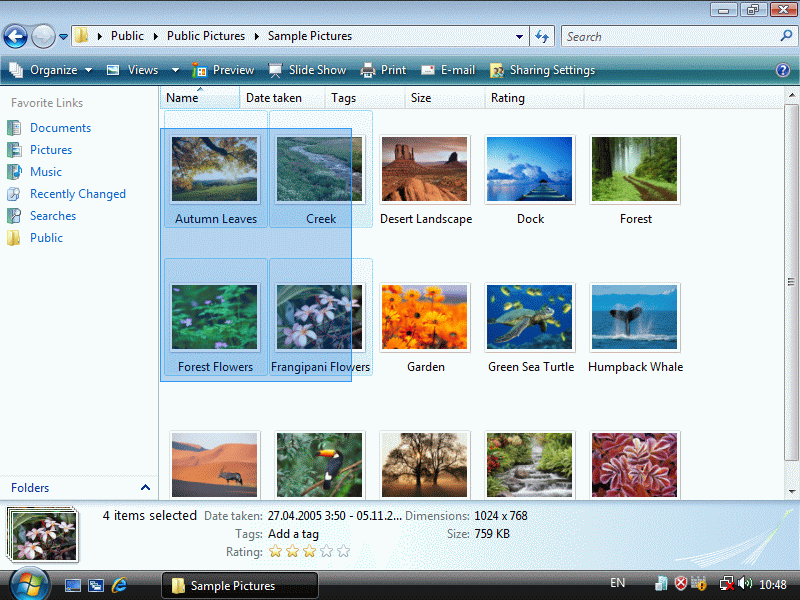
Then select one or more pictures using the mouse:
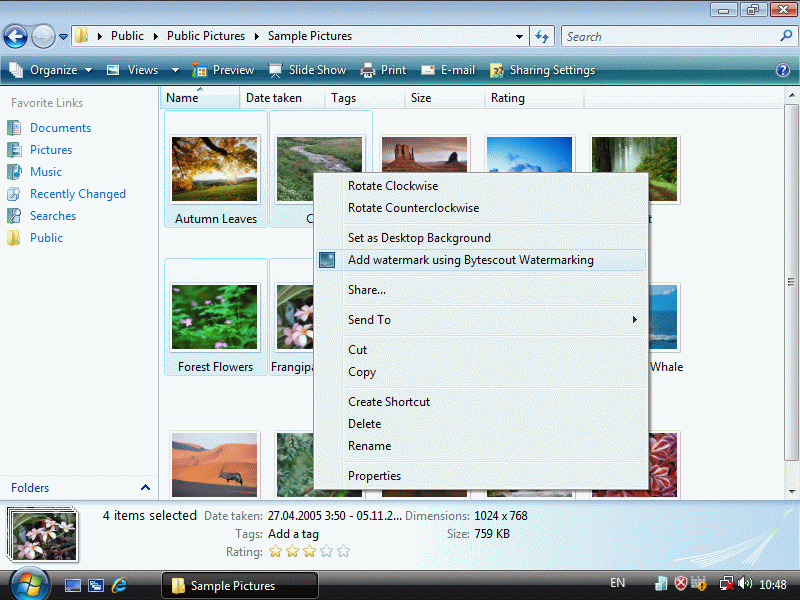
Then right-click and select “Add watermark using Bytescout Watermarking” menu item
Bytescout Watermarking will appear:
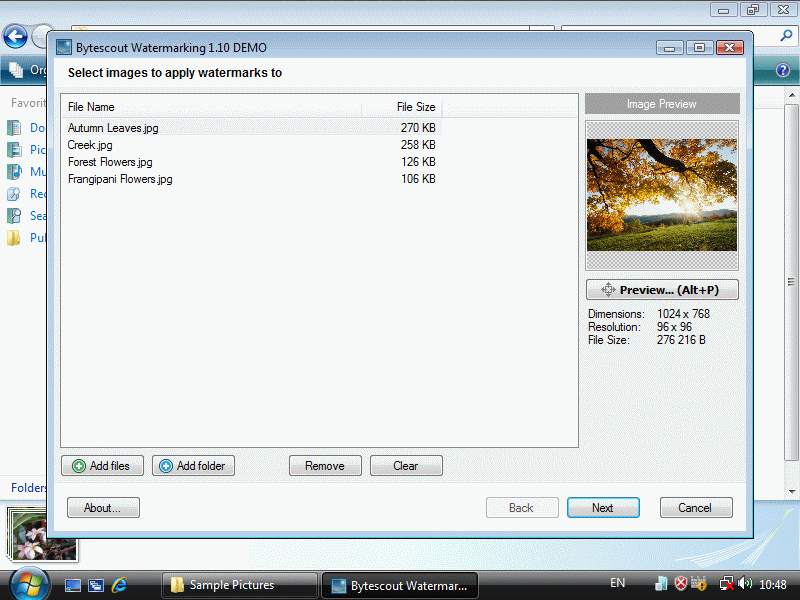
Click Next to set watermark settings:
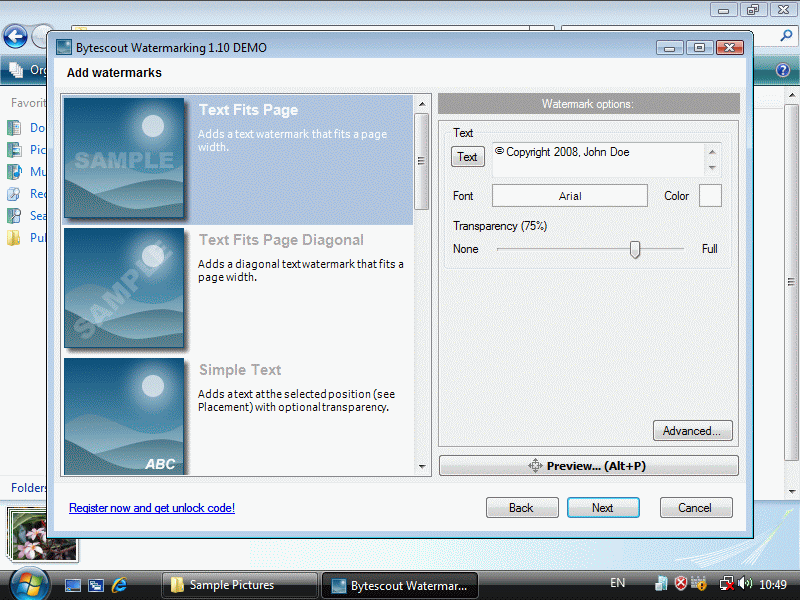
Click Next to add watermarks to the selected pictures
Watermarked pictures will be saved into My PicturesMy Watermarked Pictures folder: